

How to Set Up Google Analytics View Filter
If you’re collecting website data in Google Analytics, you should know a few things about how data is organized within the interface.
Three stages of the Google Analytics hierarchy:
- Account – Contains all of your data for all websites
- Property – Each property has a unique tracking ID (UA-########)
- View – Where you actually view your website data in the GA interface
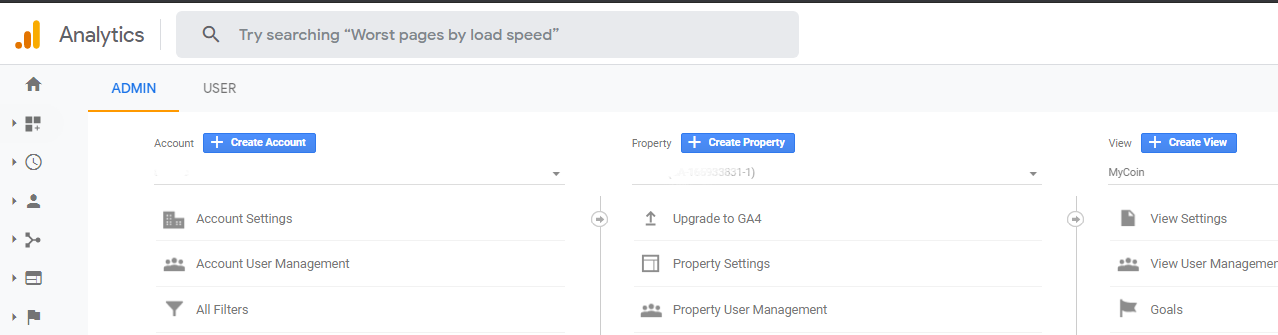
1 – Create View
When you’re analyzing your website data you’re most likely spending most of your time within the Views in Google Analytics. Views can be customized by applying FIlters to show you only the data you or your stakeholders want to see.
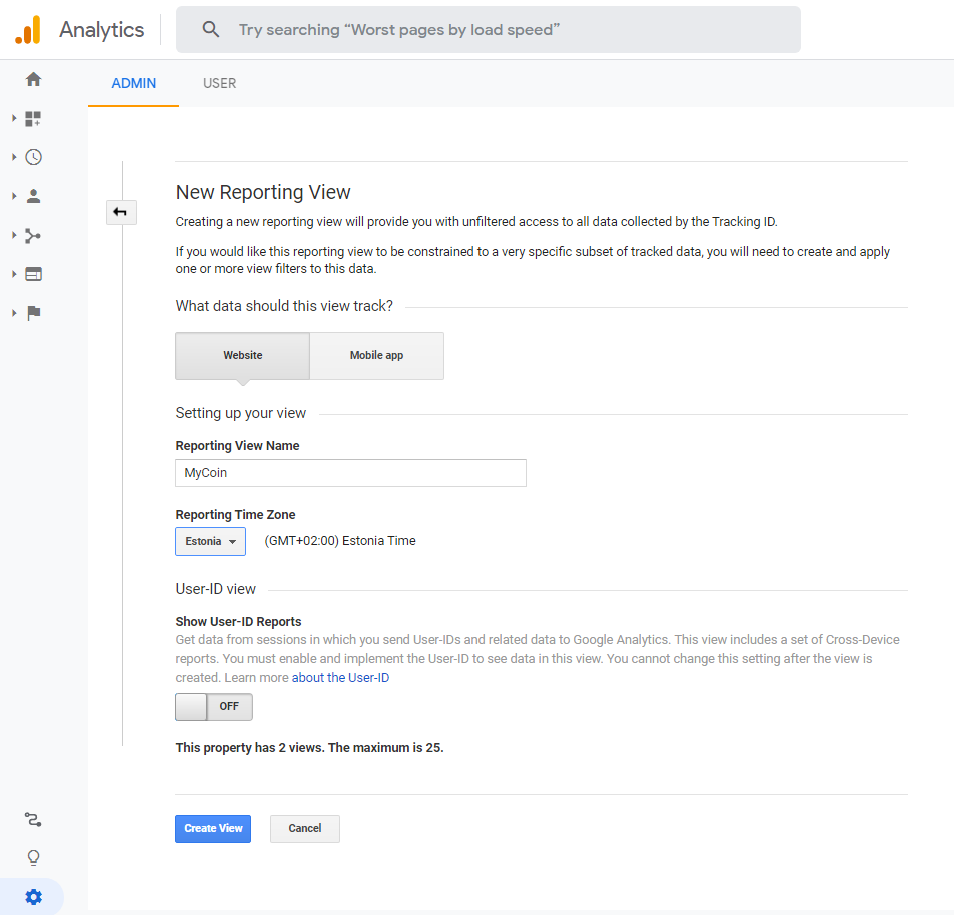
Set Up Google Analytics View Filter
Make a view for any Channel or Source you’d like by using View filters!
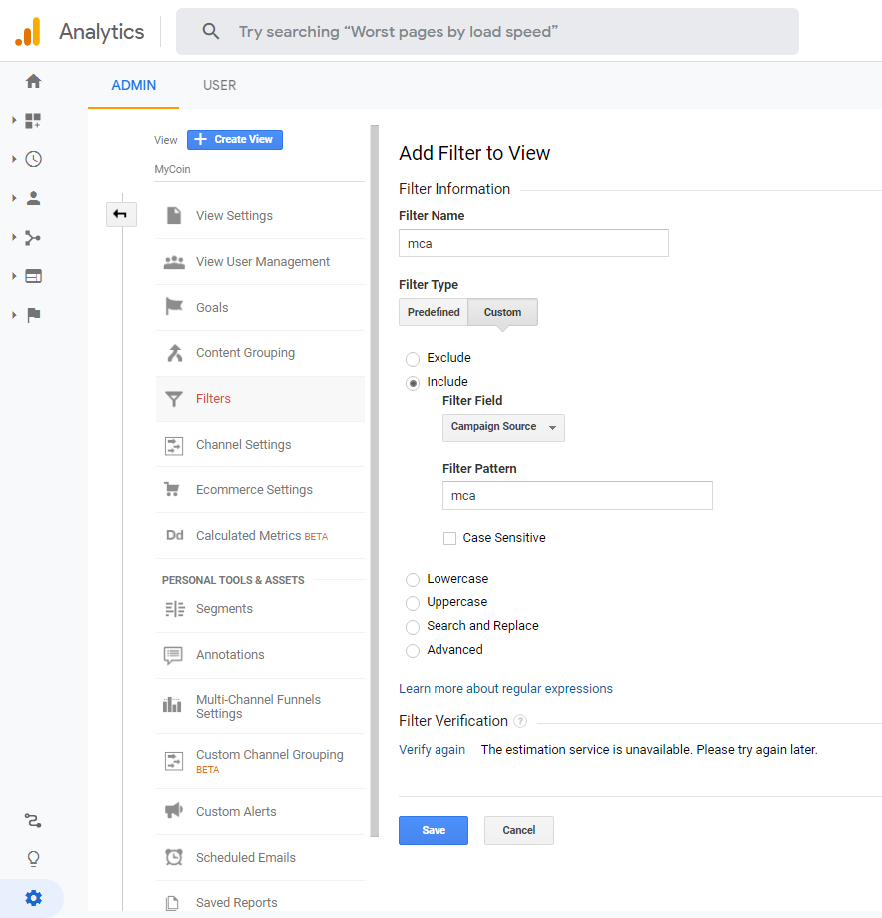
If you have teams dedicated to managing traffic, have a specific view for them to measure the parameters to your website from specific sources, campaigns, and more.